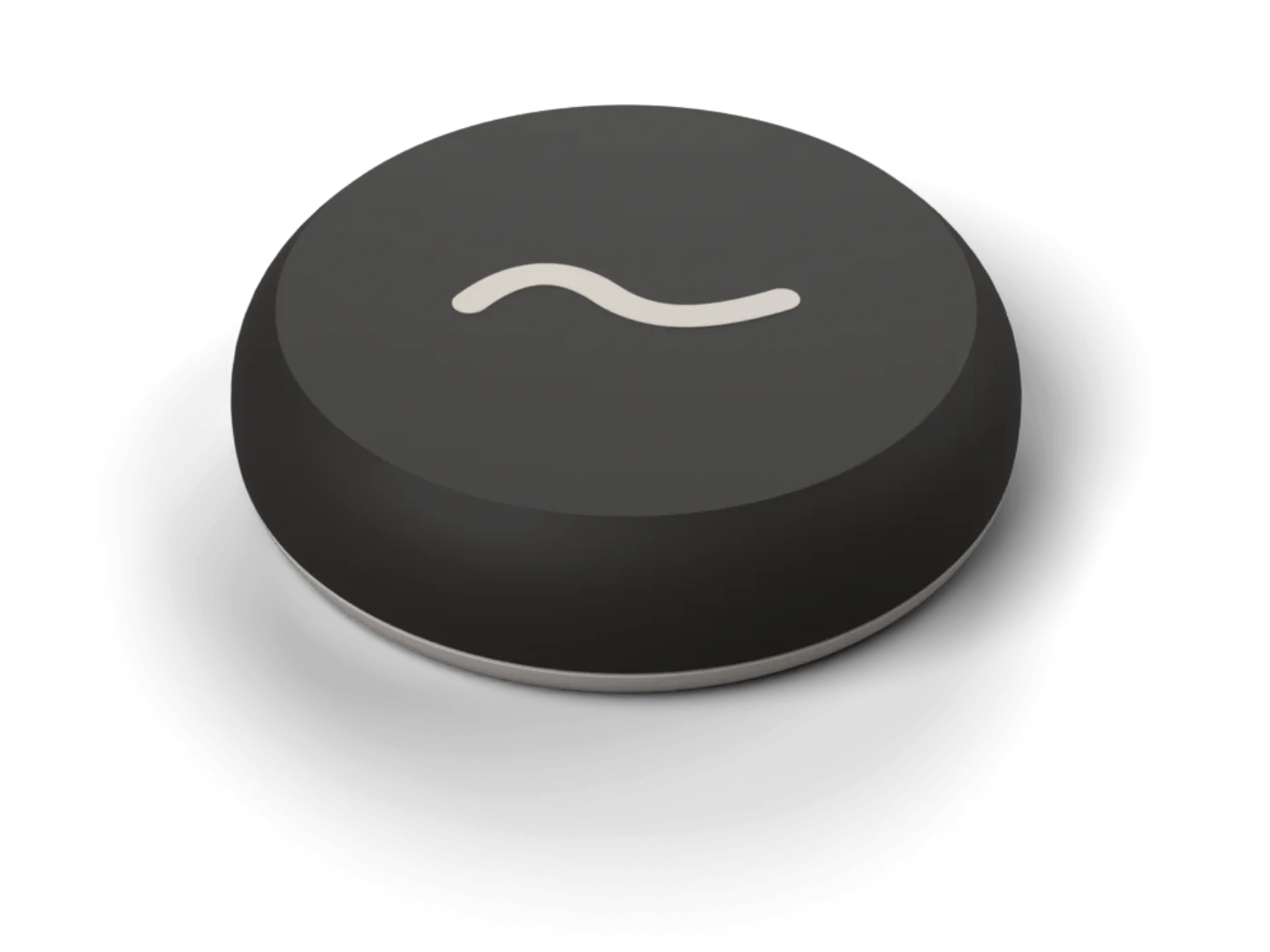
moss stone
The stone. Tap your phone on it to lock, tap again to come back. 62 mm, in seven colours.
US$49one time, free locking in the app
View the stone
A small stone and an iPhone app. Tap your phone on the stone to lock the apps that eat your evening. Tap again to come back.
From US$49, once. Locking is free in the app. For iPhone.

Tap the stone0:00:00
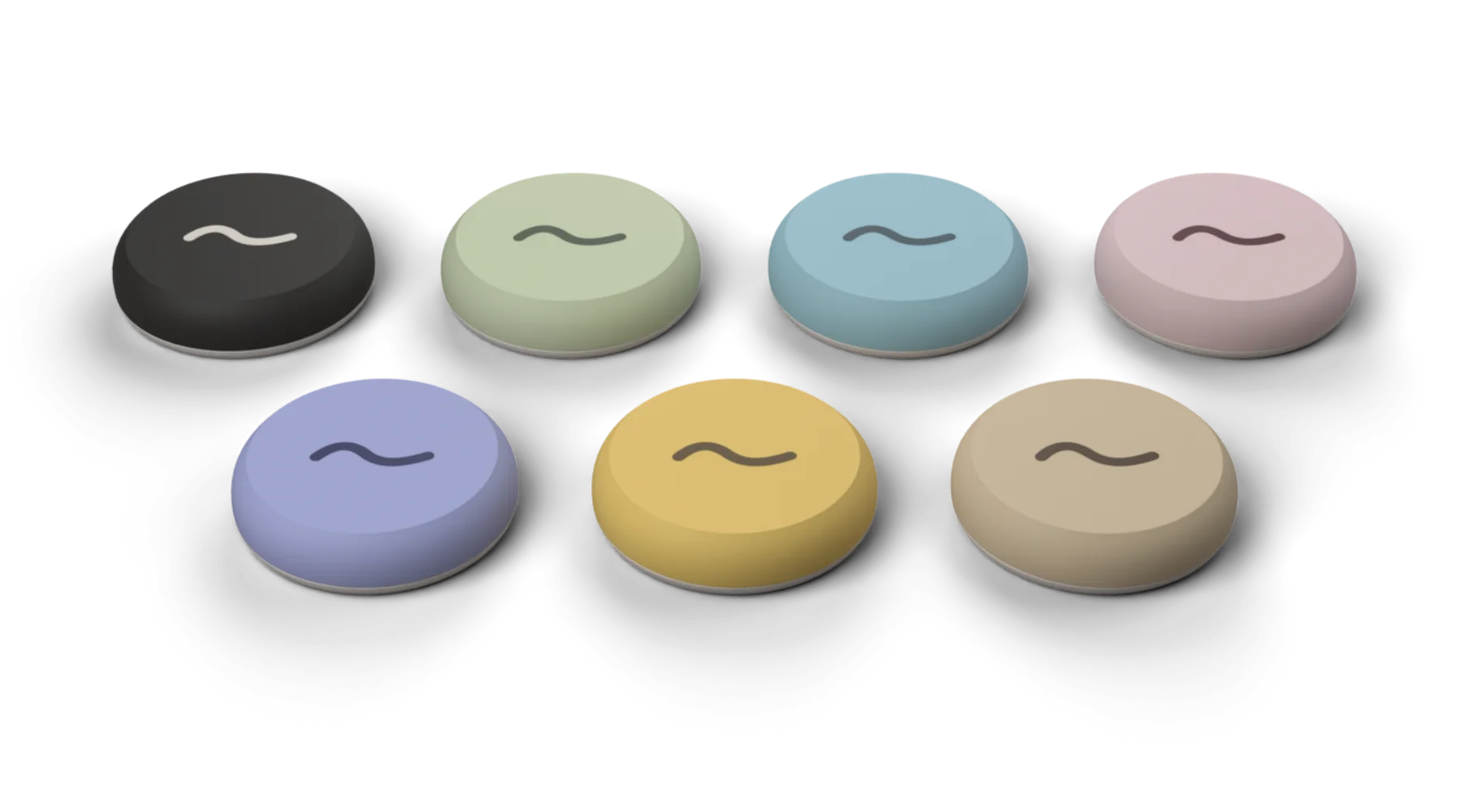
Seven colours. Pick one and the whole site wears it.
Pick the apps that pull you in, or lock everything except the few you need. Save up to 10 modes: one for work, one for dinner, one for bed.
Hold your iPhone to the stone and those apps lock at once. Calls, maps and whatever you left alone keep working.
When you are done, walk back to the stone and tap. That walk is the whole idea: the key is not in your pocket.
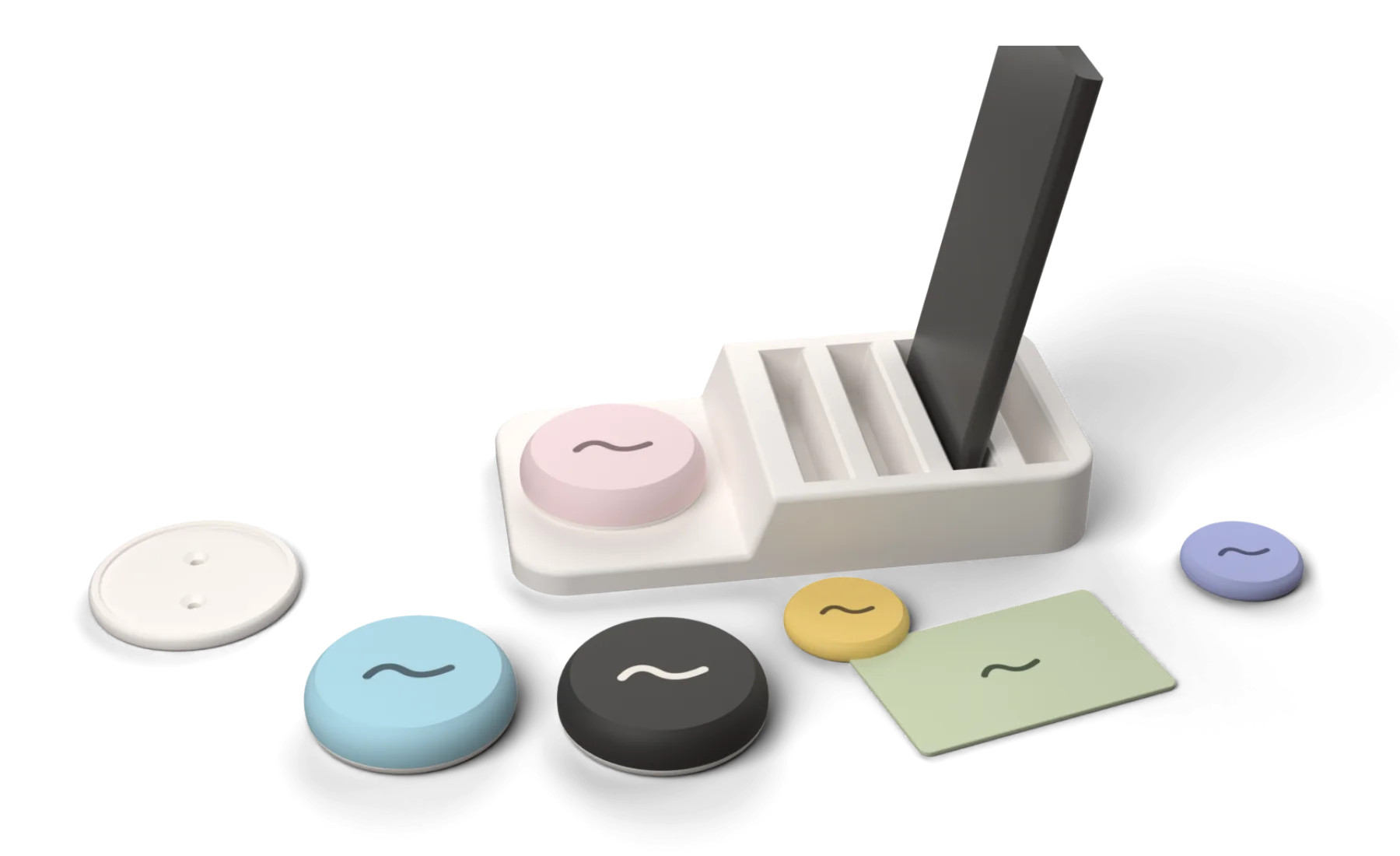
The stone, card, sprigs, keychain, gym tag and car come in soot, sage, mist, blush, dusk, butter and sand. Pick one and this whole site follows.
moss is an iPhone app that comes with a small physical stone. You choose the apps that distract you, tap your phone on the stone, and those apps stay locked until you tap the stone again. People who live together can link their phones to share schedules and put their phones down at the same time, while each person keeps control of their own phone. Locking is free in the app, the stone is a one-time purchase, and the household features are a paid add-on.
A paid add-on in the app, under Together.
Invite the people you live with and dinner becomes something you all do at once. Each dot is a person. It fills in when their phone is down. In the app this lives under Together.
Set "phones down at dinner" once and it applies to everyone who joined.
Start a session and the others get an invitation they can accept with a tap.
Nobody can lock anyone else's phone or see their apps. You only see who is in.
A streak when it goes well, and a visible note when someone leaves early or uses an emergency unlock.
Living alone, or just want it for yourself? Skip all of this. moss works fully on one phone, and inviting a household is an optional last step.
Dinner
Phones down until 7:30
0 of 4 phones down
Tap a dot to put that phone down.
Only the stones, cards and sprigs that belong to you or your household unlock your phones. With Brick, any Brick unlocks any Brick user's phone.
Locking your own phone costs nothing in the app, and the stone is a one-time purchase. Locking will never sit behind a monthly fee. Only the household features are a paid add-on.
Three emergency unlocks a month, topped up automatically. Enough for a real emergency, few enough to stay honest.
Strict Mode stops you deleting apps while locked. You can block new app installs too, so there is no quick replacement to download.
Tap the stone, hold to moss in the app, or lock in one tap from Shortcuts, the lock screen or the Action Button. Schedules can do it for you by day of the week. A timer on the lock screen shows how long you have been down.
Which apps you lock and how you use your phone never leave your phone. Our server knows your name, your email, your household and the times of your locks. That is all.
The stone. Tap your phone on it to lock, tap again to come back. 62 mm, in seven colours.
US$49one time, free locking in the app
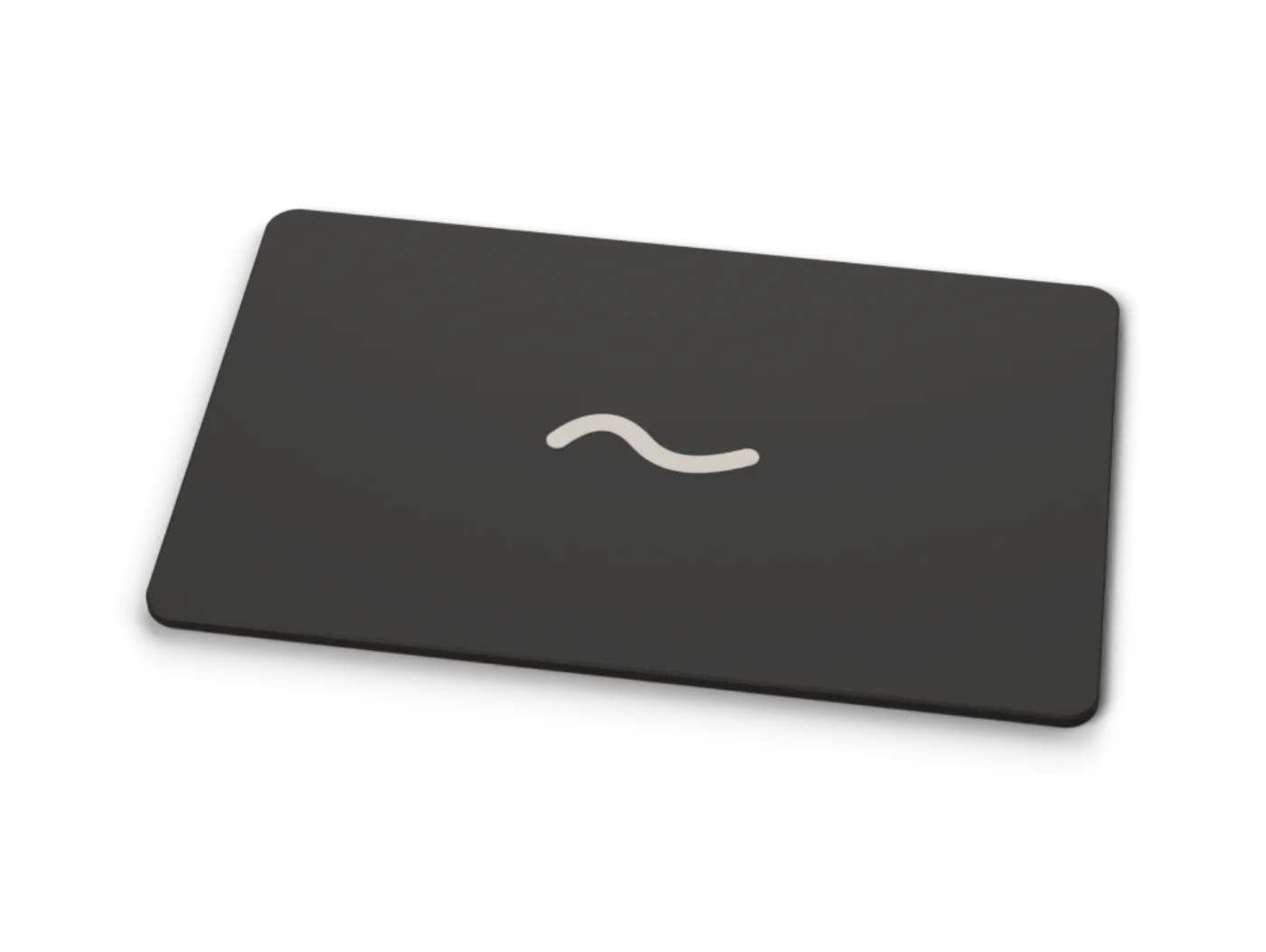
A stone for your wallet, the size of a credit card.
US$19
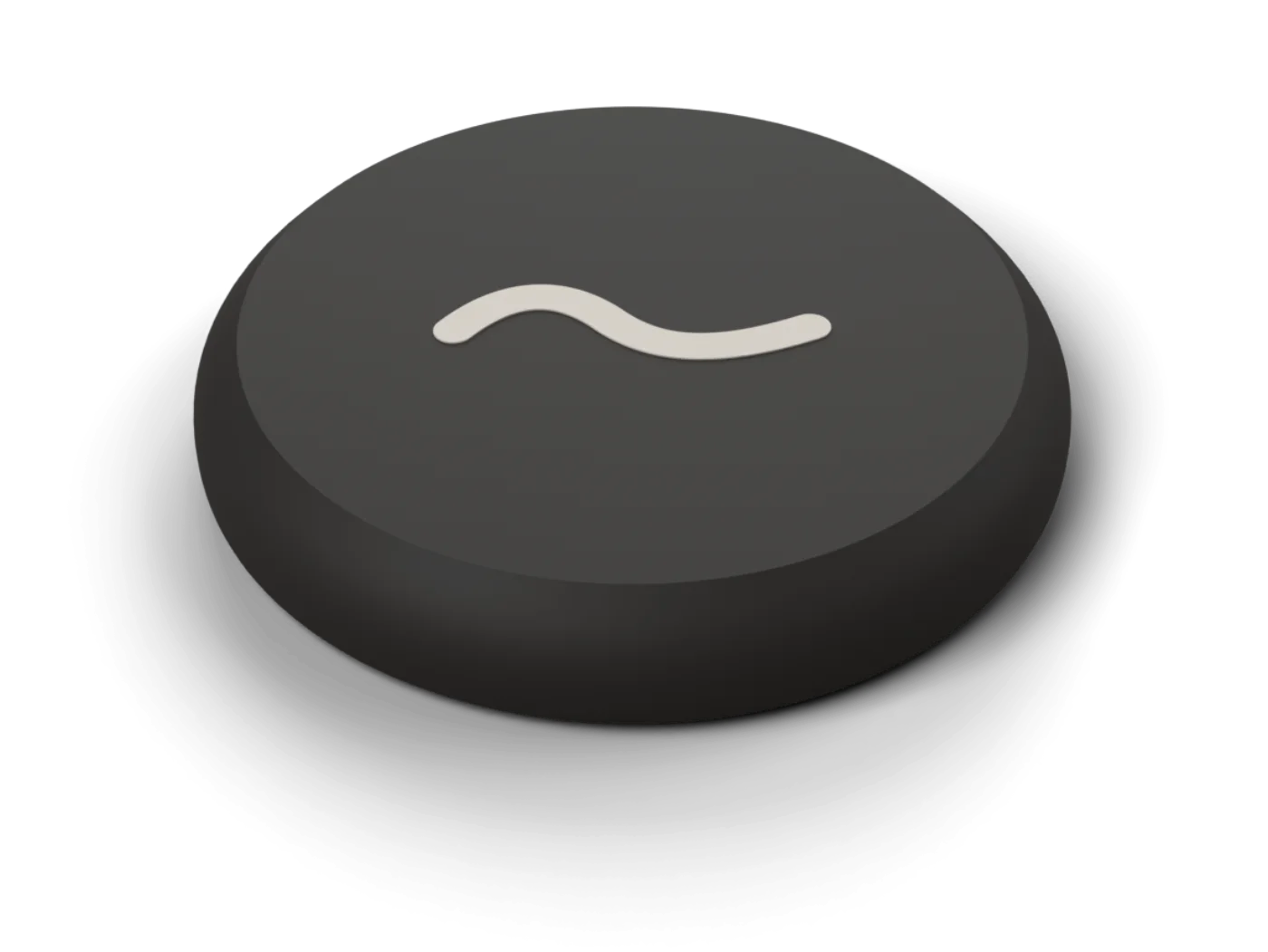
Two small stick-on tags for other rooms. 39 mm.
US$19 for two
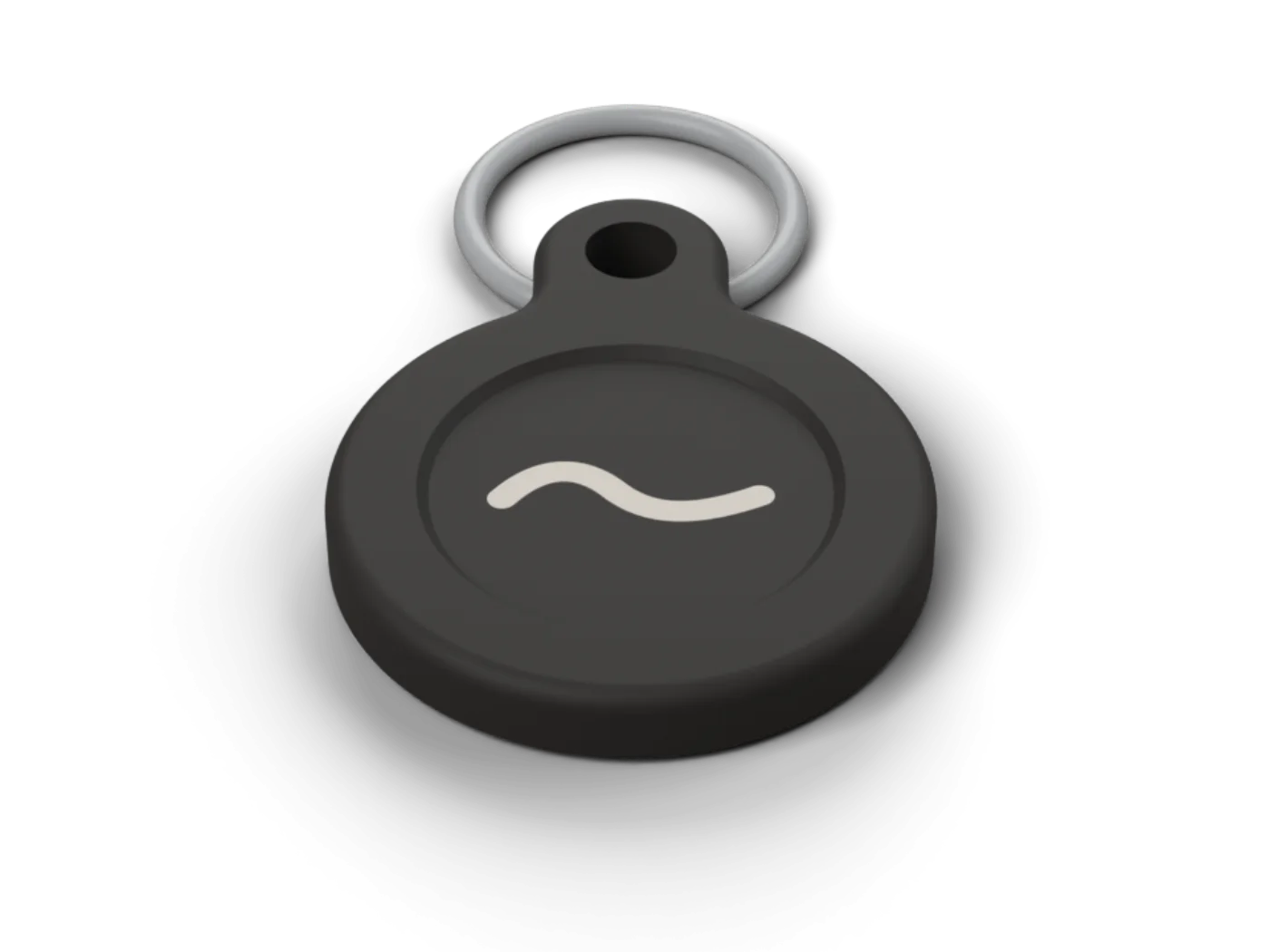
A small stone on a split ring, for your keys.
US$15
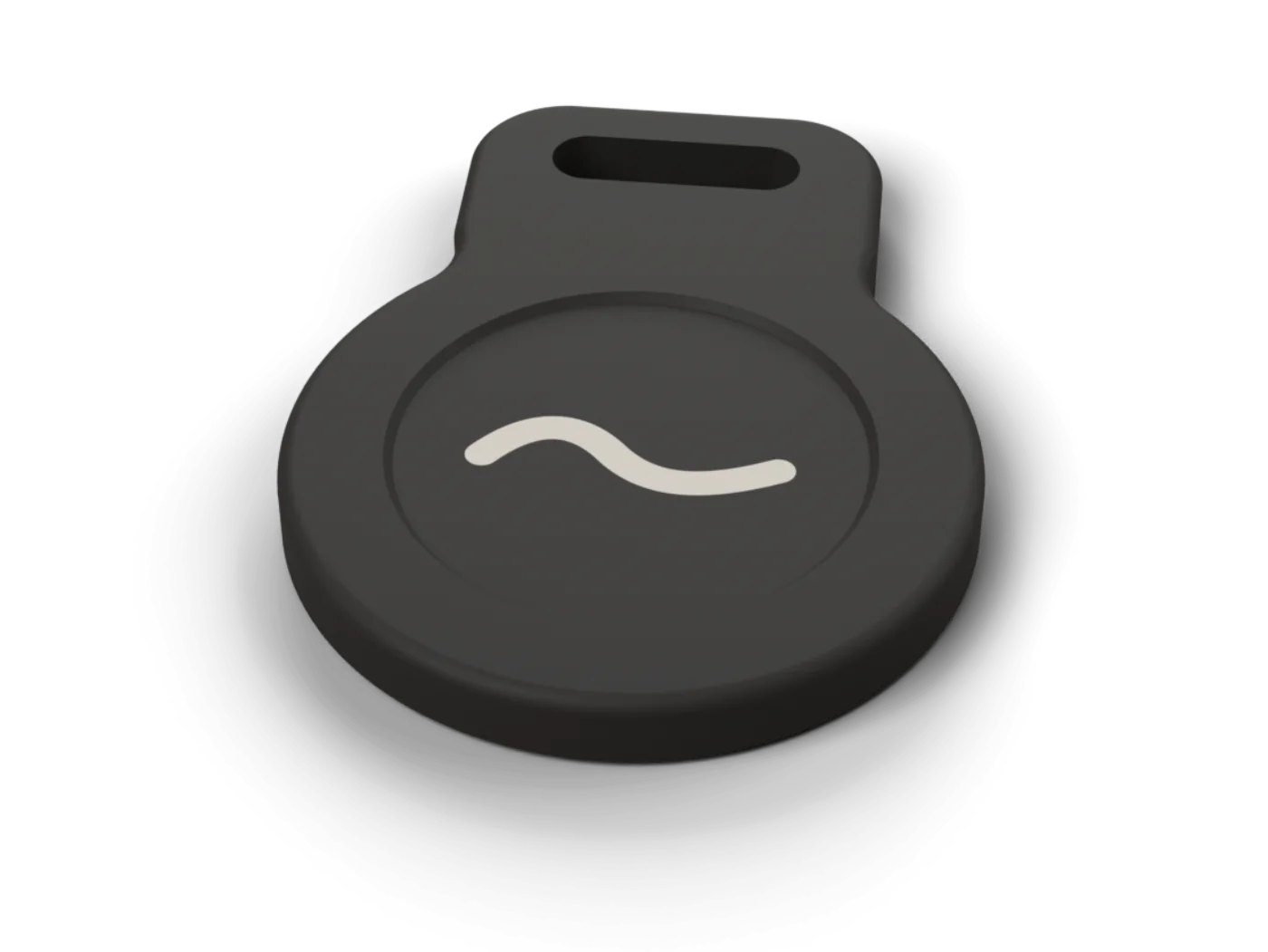
A stone for your gym bag. Clips on with a carabiner or strap.
US$19
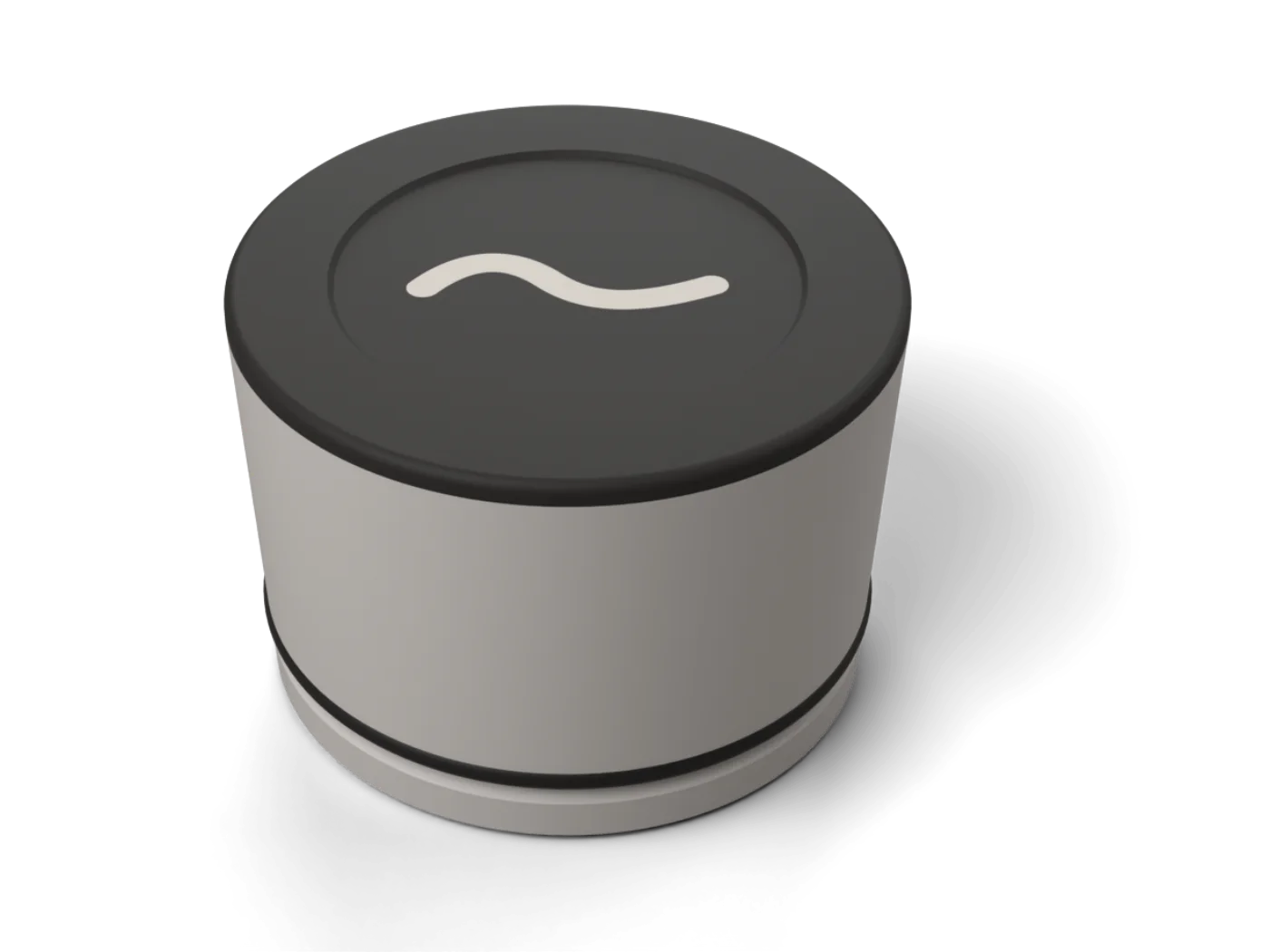
Sits in your cup holder. Tap before you drive.
US$29
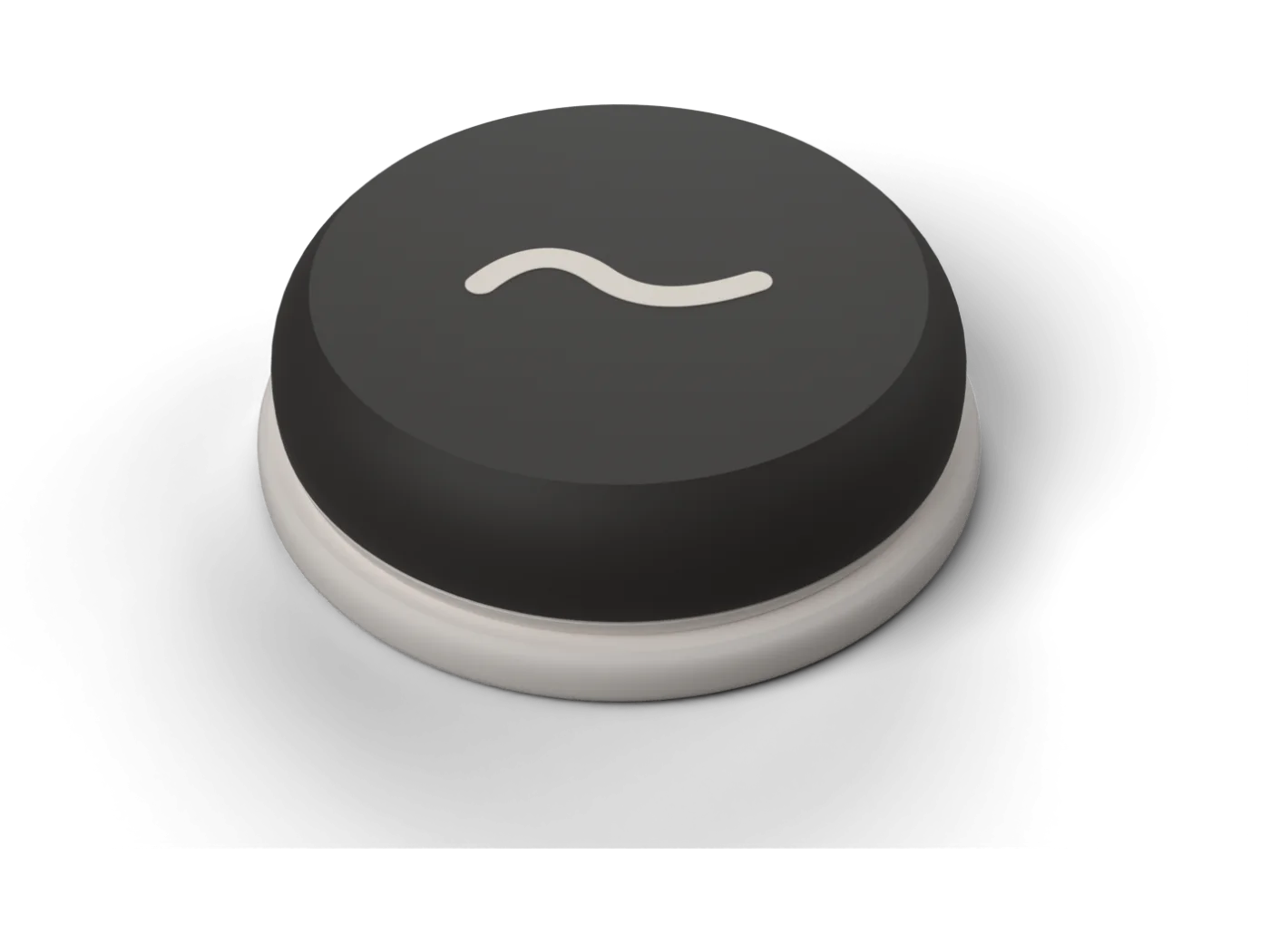
A wall dock by the door. The stone snaps on.
US$15
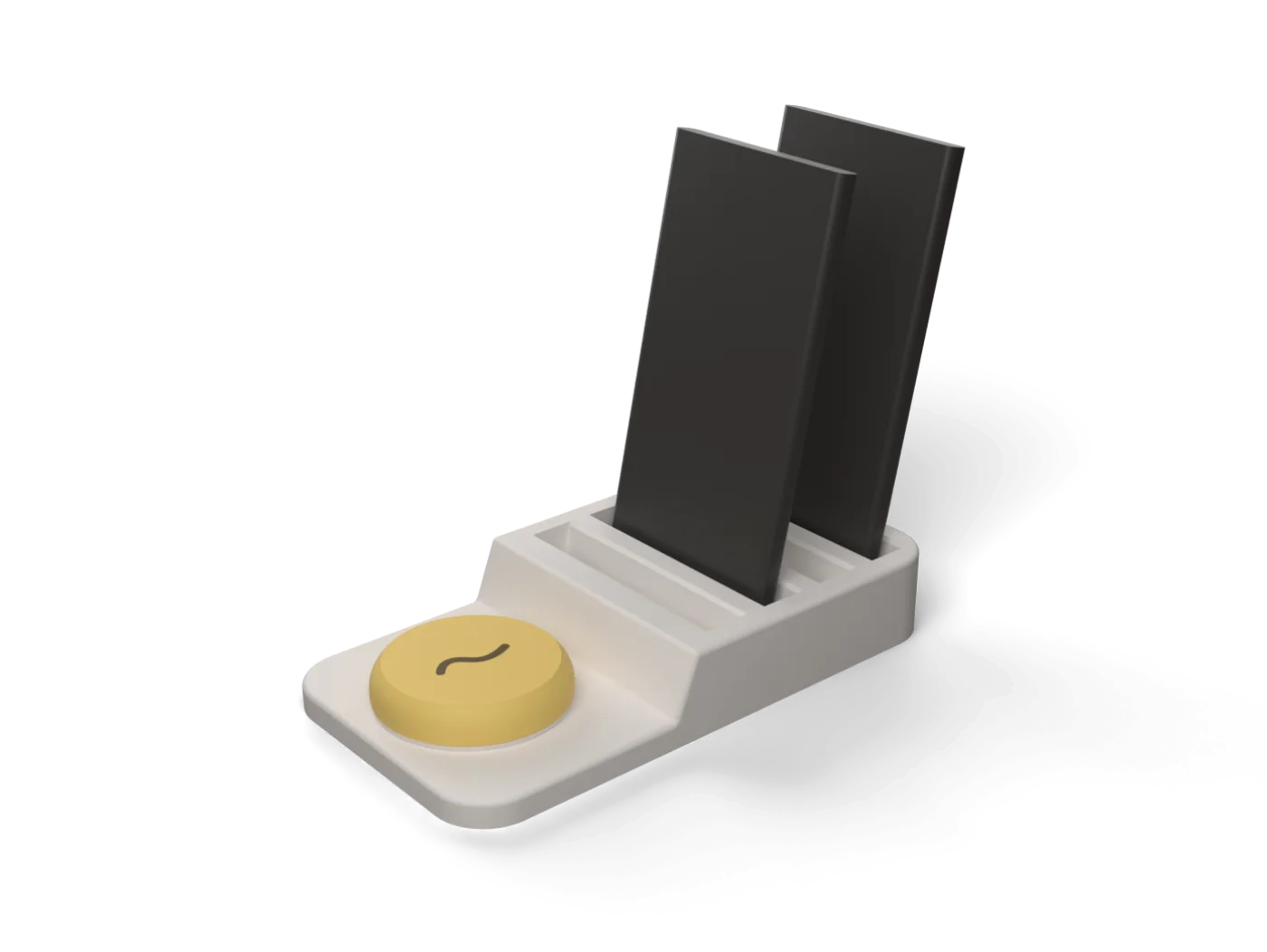
Where the household's phones go down together. Four slots.
US$39
Prices in US dollars. Ships to Canada and the United States. Shipping and returns.
moss is an iPhone app that comes with a small physical stone. You choose the apps that distract you, tap your phone on the stone, and those apps stay locked until you tap the stone again. People who live together can link their phones to share schedules and put their phones down at the same time, while each person keeps control of their own phone. Locking is free in the app, the stone is a one-time purchase, and the household features are a paid add-on.
You pick the apps that pull you in, then tap your iPhone on the stone. Those apps lock right away and stay locked until you tap the stone again. You can also start a lock from the app, a Shortcut, the lock screen or the Action Button. Unlocking always happens in the app, with the stone.
Not today. moss is for iPhone only and needs iOS 17 or later.
You get three emergency unlocks a month, and they refill on their own. Phone calls and anything you did not choose to lock keep working the whole time. In a household, an emergency unlock is shown to the others, so it stays an exception.
If you are determined, yes, and we would rather say so. Like every app of this kind, including Brick, moss relies on Apple's Screen Time. Switching Screen Time off for the app in iPhone Settings removes the lock. (On iOS 26.4 or later you can close that door by having someone you trust set a Screen Time passcode.) Strict Mode stops you deleting apps while locked, and in a household anyone who switches it off shows as "Not protected" to the others. moss is built to make the easy slip hard. It is not a safe.
No. Each person locks their own phone and chooses their own apps. The others see only whether your phone is down, and when someone leaves a session early or uses an emergency unlock. Your app list never leaves your phone.
Not for locking. Locking your own phone is free in the app and the stone is a one-time purchase. Locking will never sit behind a subscription. The household features under Together (shared schedules, seeing who is in, and a visible note when someone leaves early) are a paid add-on, shown in the app before you pay.
Very little. Which apps you lock and how you use your phone never leave your phone. Our server stores your name, your email, which household you belong to, and the times of your locks and sessions. You sign in with Apple. Read the privacy page for the details.
Get the free app, then the stone. Setup takes a couple of minutes.